Creating and refining SharePoint pages is becoming more intuitive. Instead of describing where content lives on the page, authors can now simply select a section or web part and tell Copilot what they want to change. Watch the demo Featured speakers Sara Cummings , Product Manage…
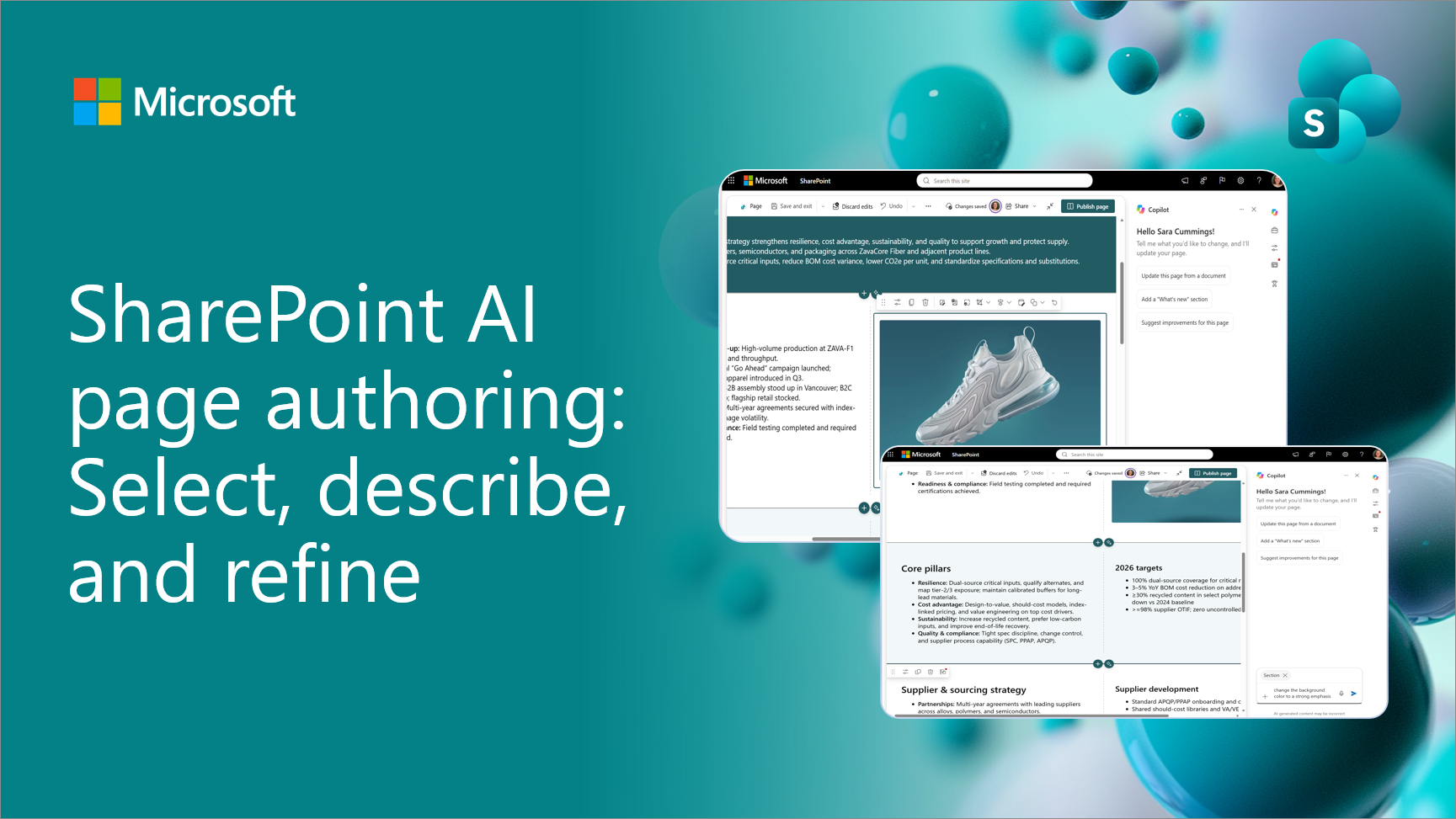
Creating and refining SharePoint pages is becoming more intuitive. Instead of describing where content lives on the page, authors can now simply select a section or web part and tell Copilot what they want to change. Watch the demo Featured speakers Sara Cummings , Product Manager for AI authoring, Microsoft Vesa Juvonen , Principal Product Manager, Microsoft From describing a location to selecting it Previously, authors described both the content they wanted to change and where it was located on the page. With on-canvas selection, location becomes part of the context automatically. Simply select a web part or section and describe the outcome you want. The selected item appears in the Copilot experience, giving the request clear context. What you can do Make focused edits. Select an image

Original announcement:
SharePoint AI page authoring: Select, describe, and refine
— SharePoint Blog